
iArchive — Electronic Archiving & Document Management

Manage, archive, search, and access your company’s documents in a centralized, structured, and efficient way.

Simplify the Way Your Organization Manages Documents

iArchive helps organizations move from physical archives and fragmented systems to a centralized electronic archiving system.

Documents can be organized, searched, and accessed quickly, reducing the time spent on manual operations and archive management.

Everything You Need for Electronic Archiving

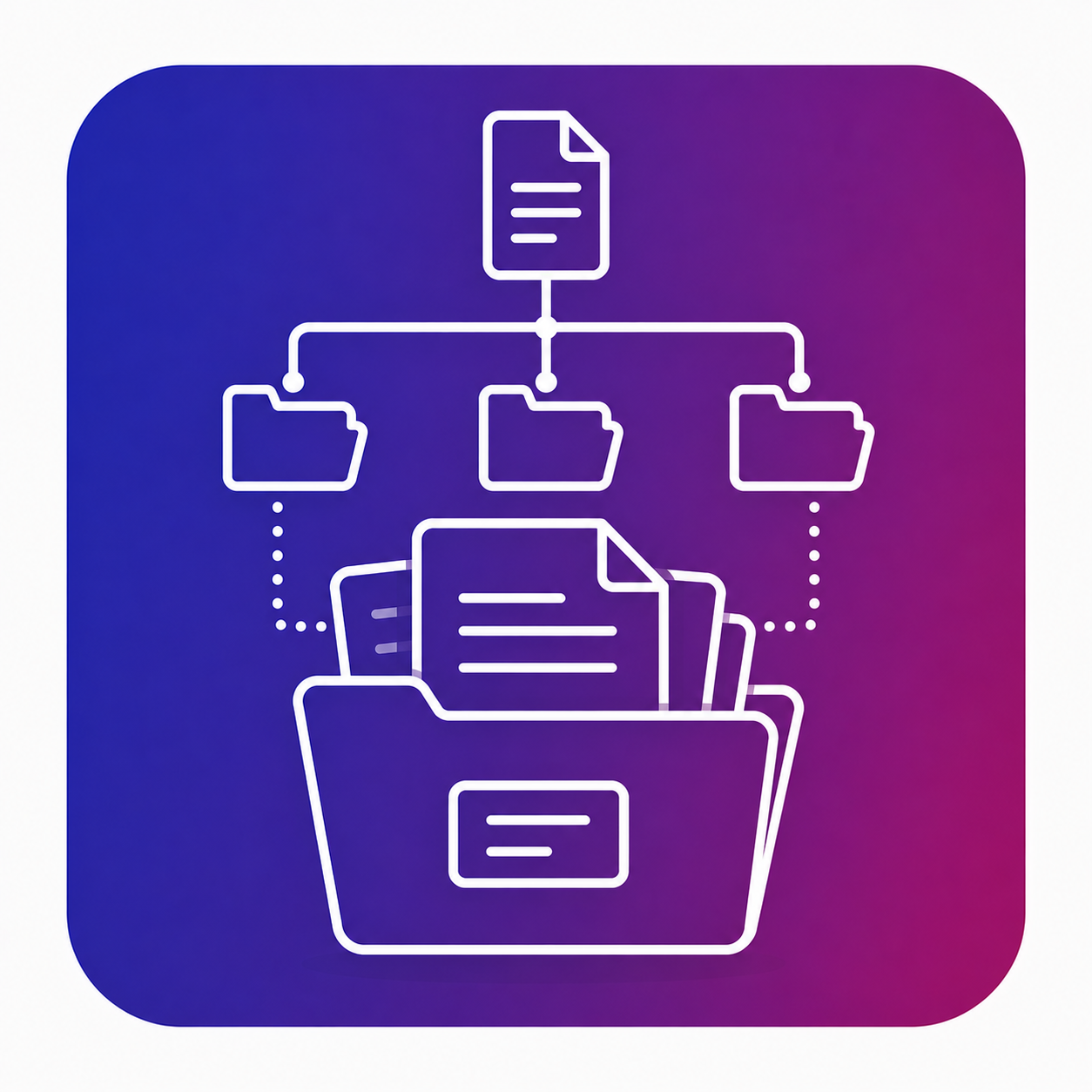
Electronic Archiving

Centralize your company’s documents in a structured digital archive that is easy to manage.

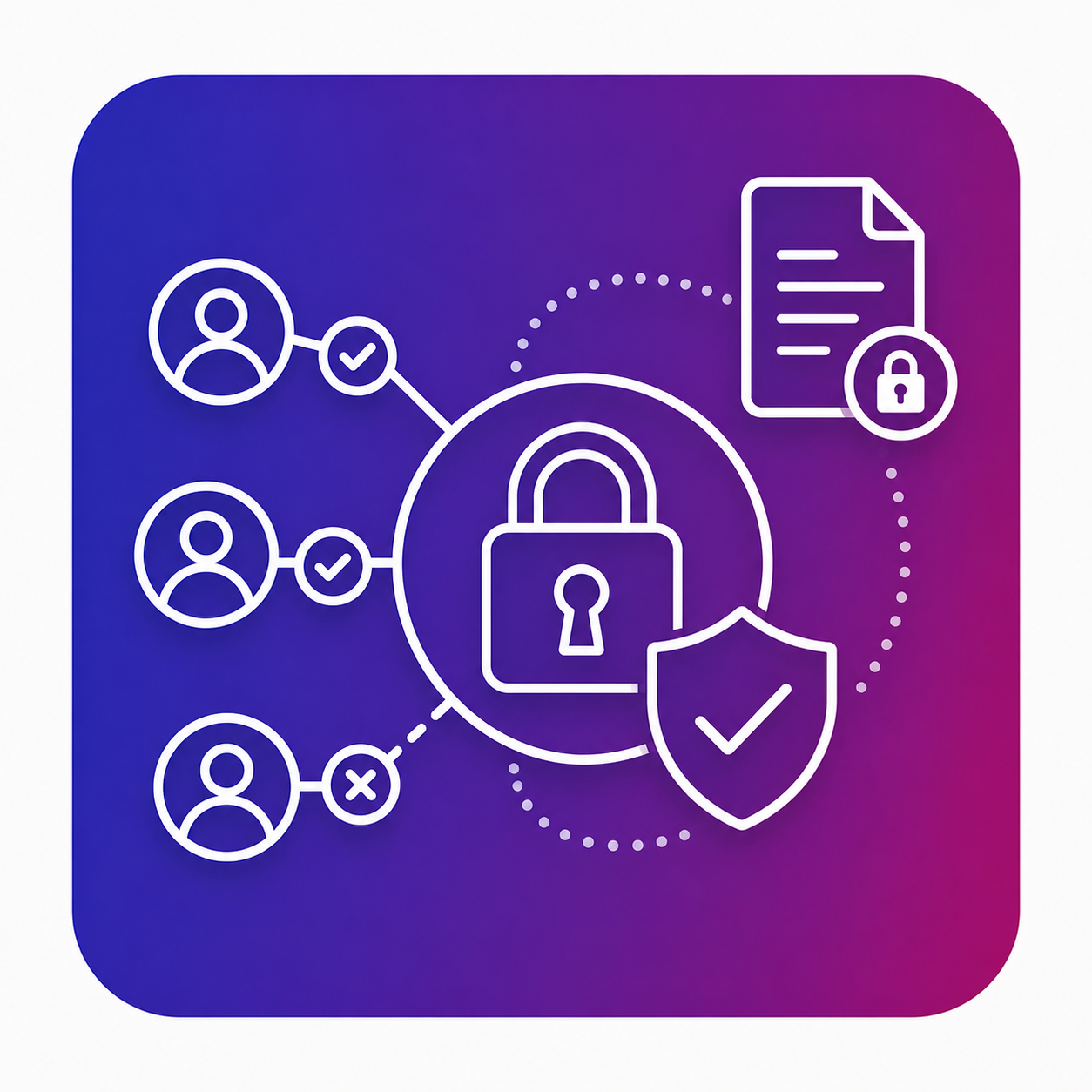
Controlled Access

Manage access to documents based on user roles and your organization’s requirements.

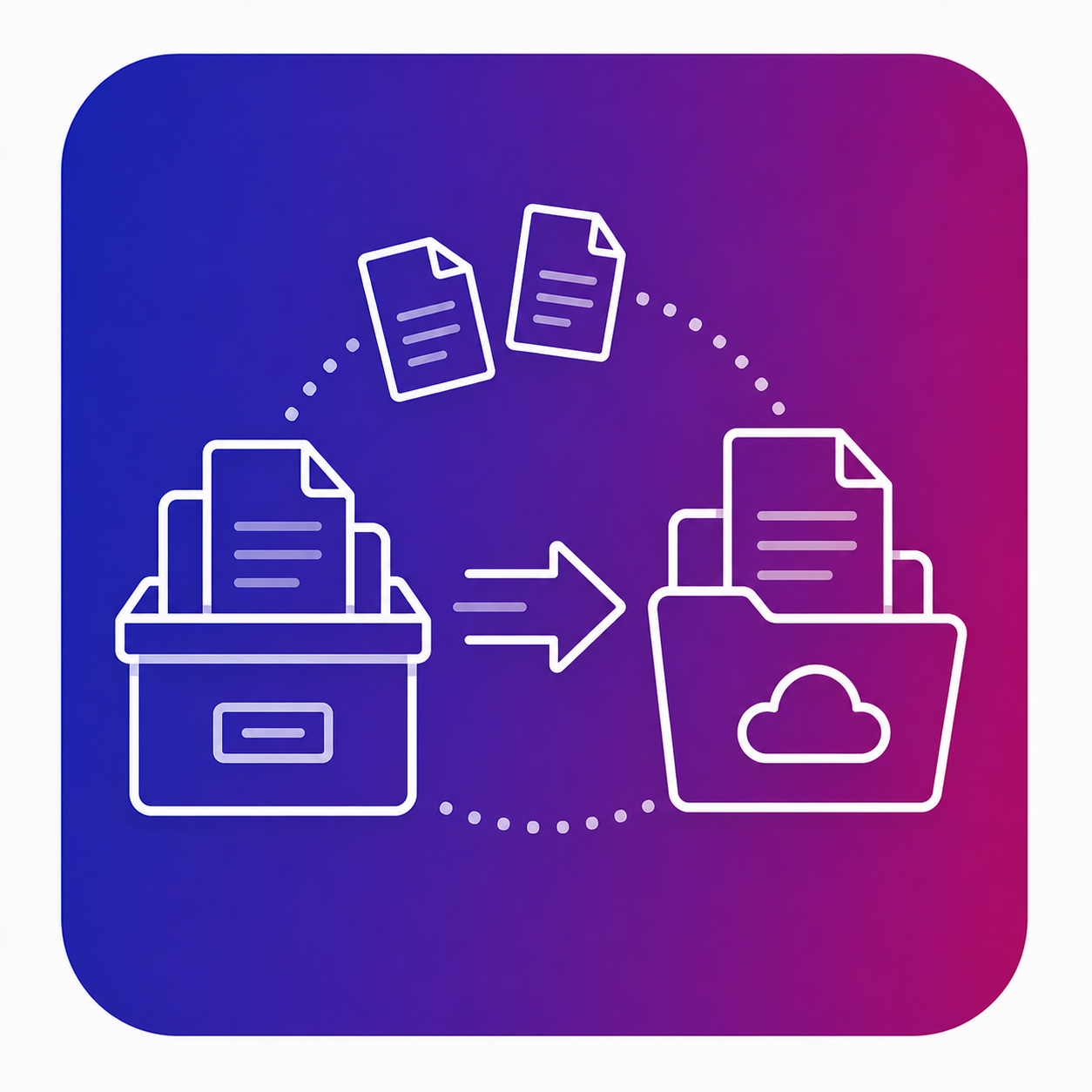
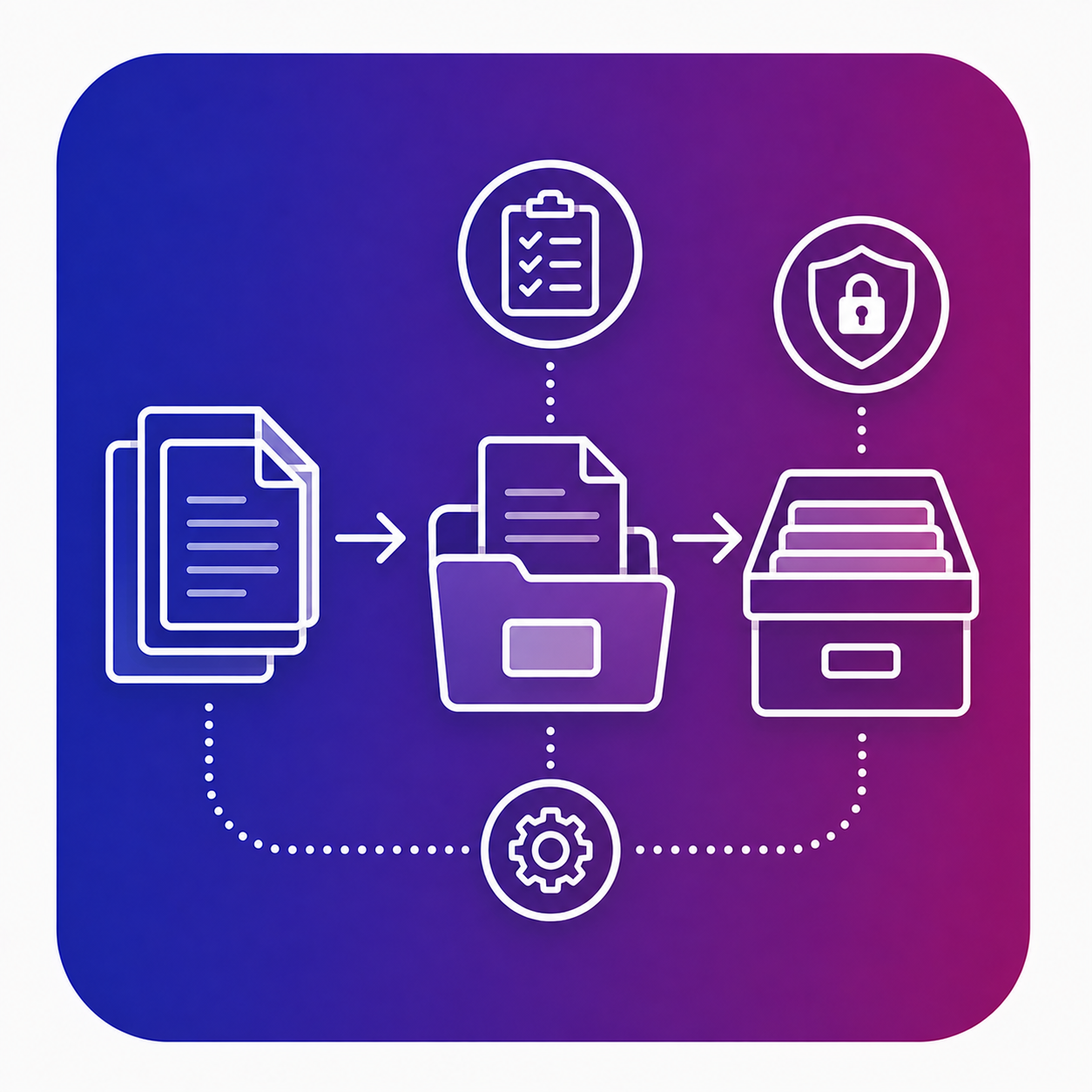
Document Migration

Transfer existing documents into a centralized electronic archive as part of your digitalization process.

Fast Search

Quickly find the documents you need using relevant criteria and information.

Document Organization

Structure documents and information so they can be efficiently managed and retrieved.

Structured Archiving Processes

Support consistent document archiving and management processes across your organization.

Details

Archiving Adapted to Real Business Processes

A digital archive is more than simply replacing physical documents with digital files.

iArchive helps organizations turn their archives into an information resource that is easy to organize, search, and access whenever needed.

Centralize → Organize → Search → Access

Give teams quick access to the documents they need while maintaining a clear structure for archived information.

Document access and visibility can be managed according to user roles and organizational requirements.

Use Cases

iArchive can support organizations that manage large volumes of documents distributed across different departments, systems, and processes.

Examples of Use

  • Electronic document archiving
  • Document centralization
  • Digitalization of physical archives
  • Document search and retrieval
  • Internal document management
  • Migration of existing documents
  • Controlled access to archived information

Why iArchive?

  • Centralized electronic archiving
  • Fast document retrieval
  • Reduced reliance on physical archives
  • Structured document organization
  • Support for document migration
  • Controlled access to company information
  • Efficient document management

Frequently Asked Questions

Discover how iArchive can help you centralize, organize, and access your company’s documents more efficiently.

What is electronic archiving?

Electronic archiving involves the digital storage and management of company documents, allowing them to be organized, searched, and accessed efficiently.

Can existing documents be migrated to iArchive?

Yes. Document migration is one of the key use cases for iArchive and can support the transition from existing archives or systems to a centralized electronic archive.

Who can access archived documents?

Access can be managed according to user roles and your organization’s requirements.

Can iArchive handle large volumes of documents?

iArchive is designed for organizations that need centralized document management and retrieval.

Can I see how iArchive works before implementation?

Yes. Request a demo to explore the solution and discuss your organization’s requirements.