AI-POWERED LOW-CODE · WORKFLOW · AUTOMATION · ANALYTICS

Transform complex processes into enterprise applications — faster, with the help of AI

CloudFlow is an Enterprise Low-Code / No-Code platform that lets you build applications, forms, workflows, master data, and dynamic dashboards — powered by AI, without starting every project from scratch.

Low-Code / No-Code · AI-Assisted Development · Workflow · Automation · Integrations · Analytics

From business requirements to digital applications

Complex processes cannot always be solved with standard applications.

Sometimes, you need forms tailored to the way your organization works, approval workflows, business rules, master data, integrations with existing systems, or automations that eliminate repetitive tasks.

CloudFlow provides the framework to build and connect all these components into a single digital solution.

Digitalized Processes
Transform manual activities into structured digital workflows.
Fast Development
Build and customize applications in less time.
Integration
Connect existing applications and data into a unified ecosystem.

Build AI-powered applications

CloudFlow combines the flexibility of Low-Code / No-Code development with AI capabilities that accelerate application development and process digitalization.

Instead of building every component from scratch, you can start with your process requirements and use AI to accelerate the generation and configuration of the elements you need.

AI-Assisted Forms
Generate forms based on your process requirements and quickly adapt them to your organization’s needs.
AI-Assisted Workflows
Build workflows quickly, then configure the rules and steps of each process.
AI-Assisted Master Data
Create and configure the master data and data structures required by the application.

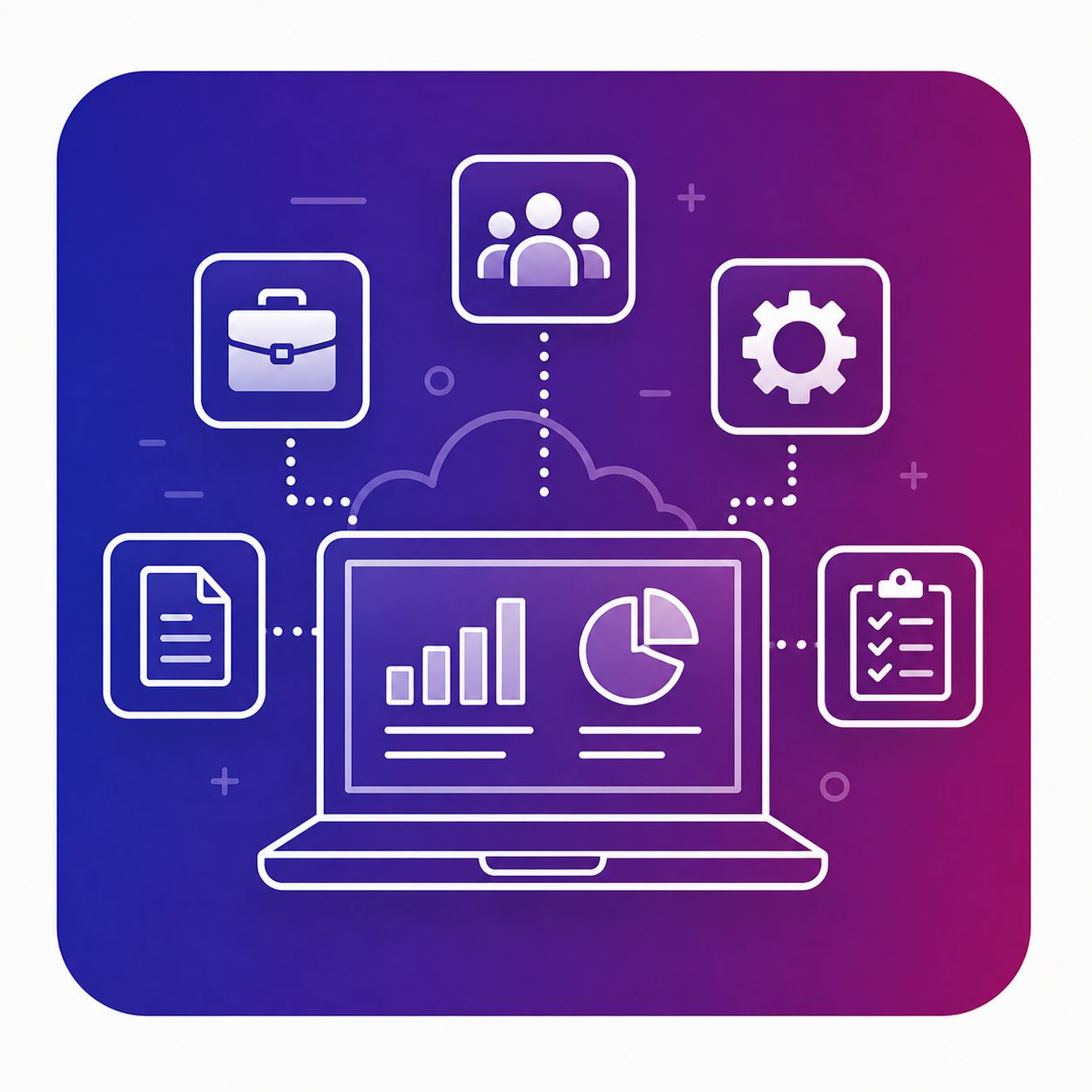
What Can You Build with CloudFlow

Business Applications

Applications built around your organization’s processes and business rules.
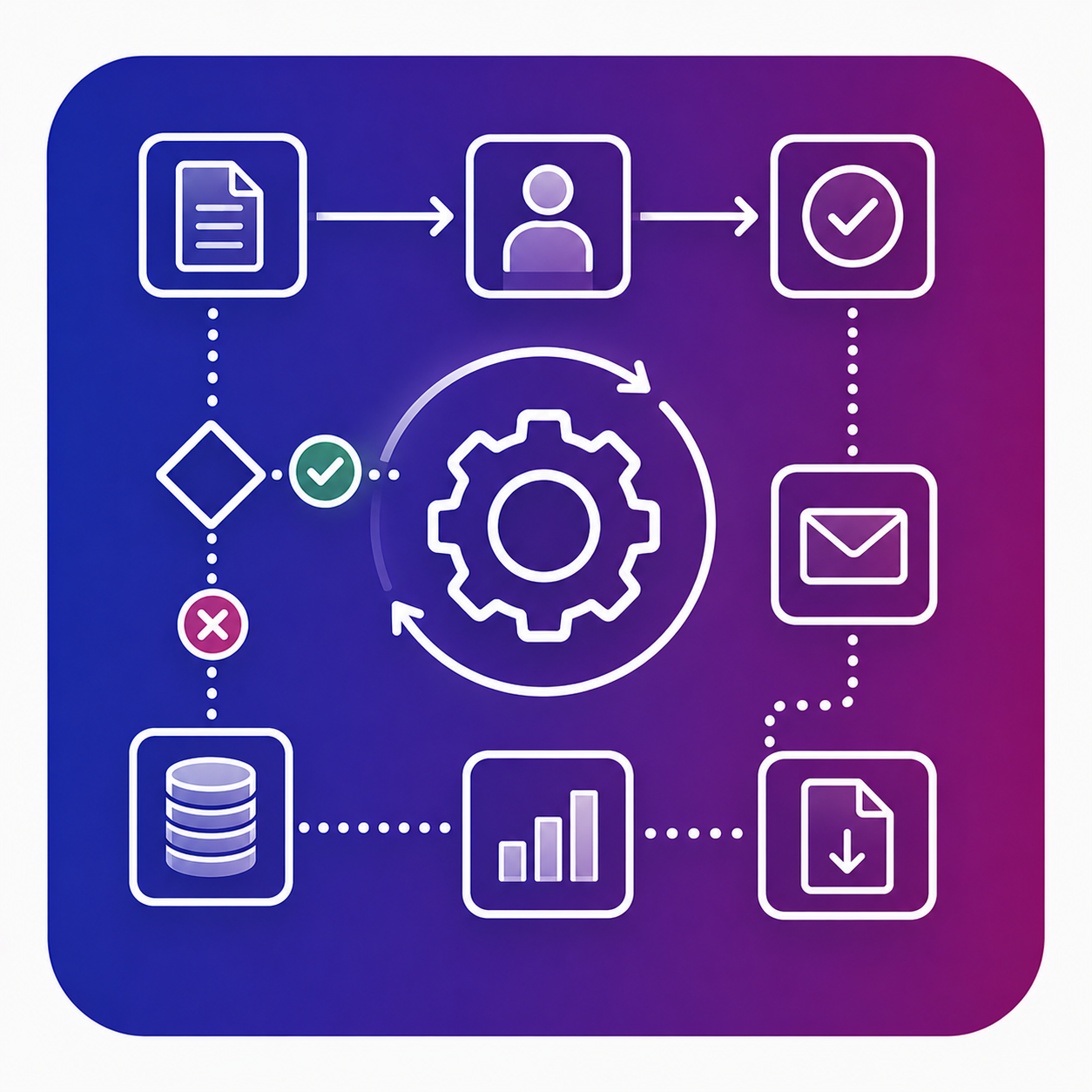
Workflows

Digital workflows with steps, roles, rules, and approvals.
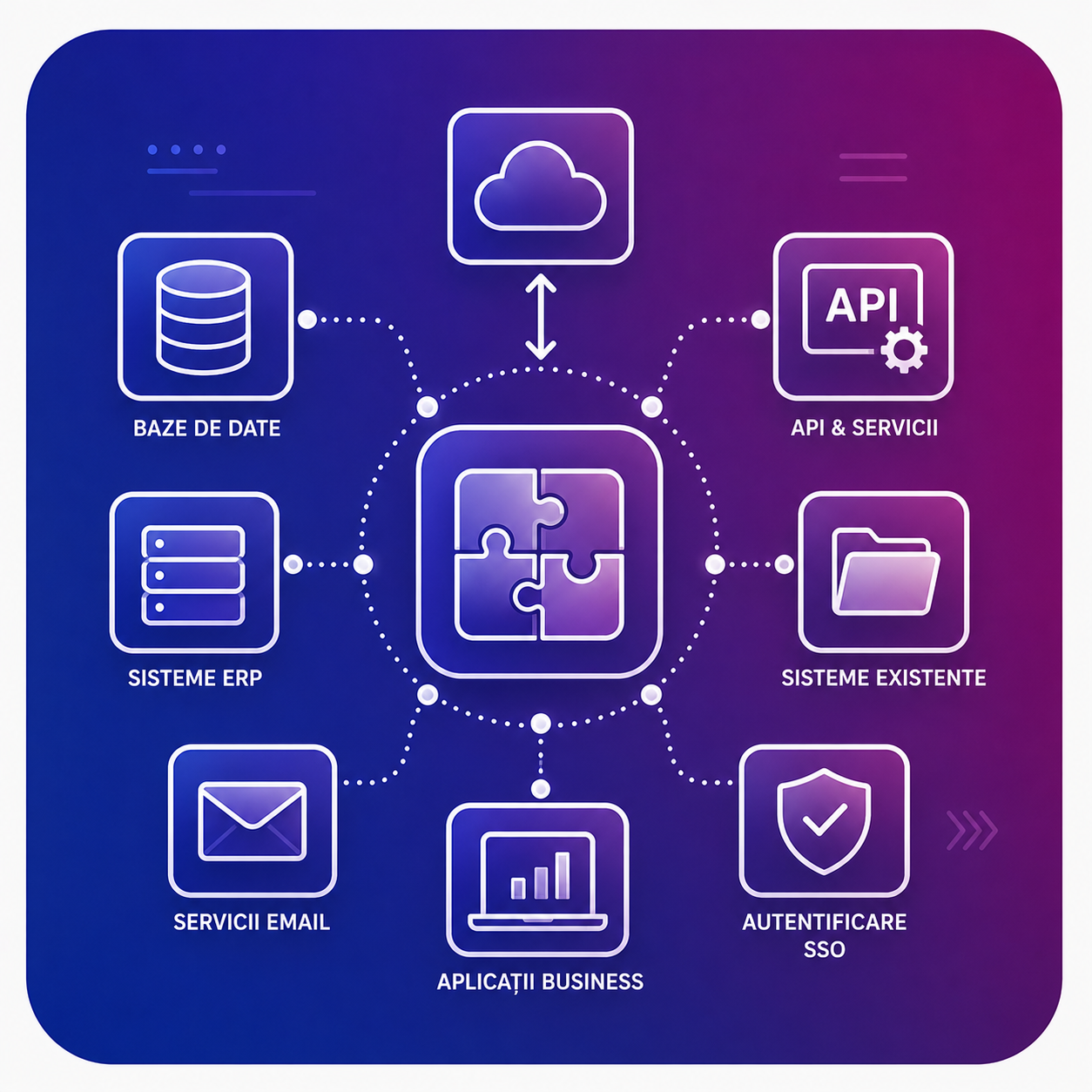
System Integration

Connect CloudFlow applications with ERP, CRM, APIs, and other existing systems.
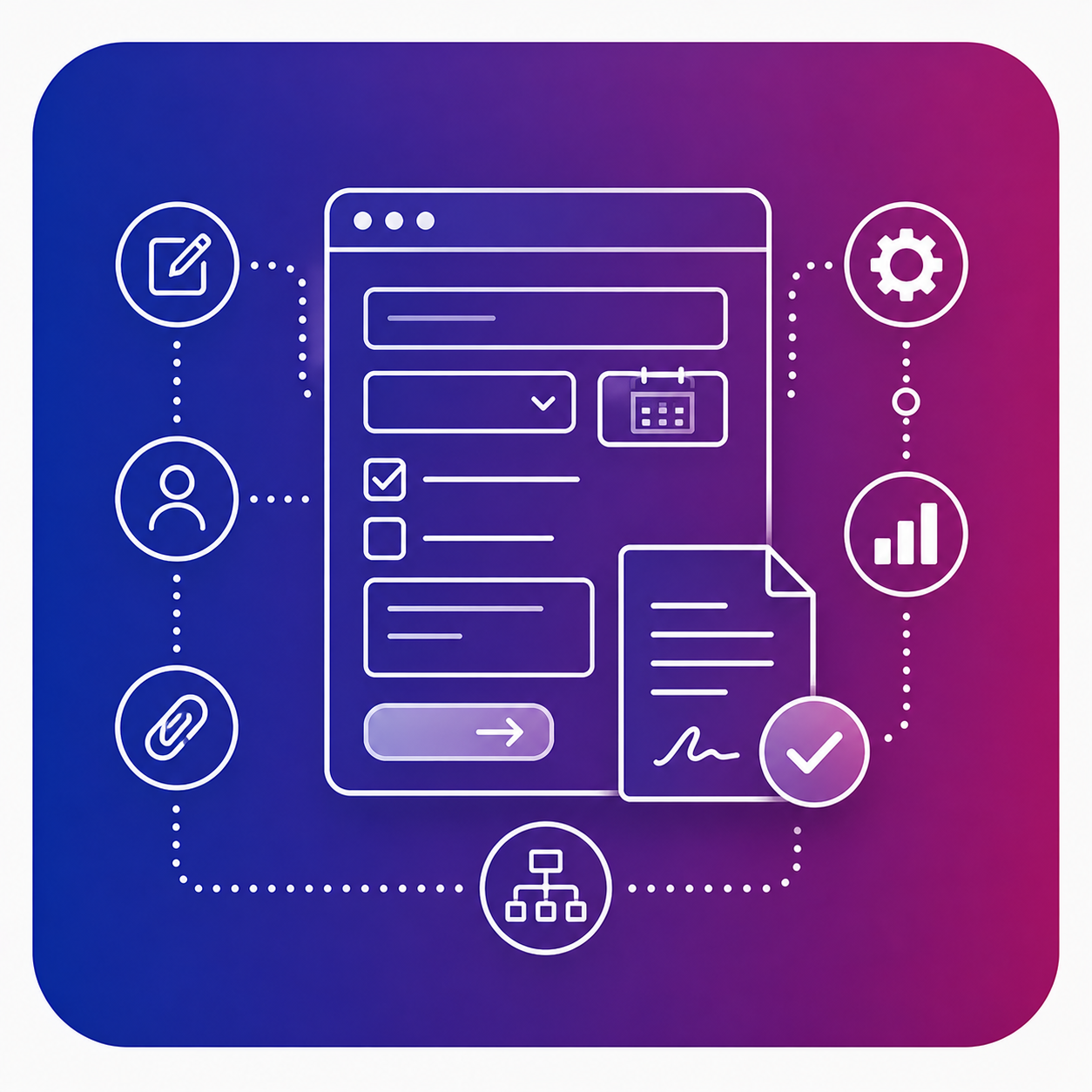
AI-Assisted Forms

Forms generated and configured quickly for efficient information collection.
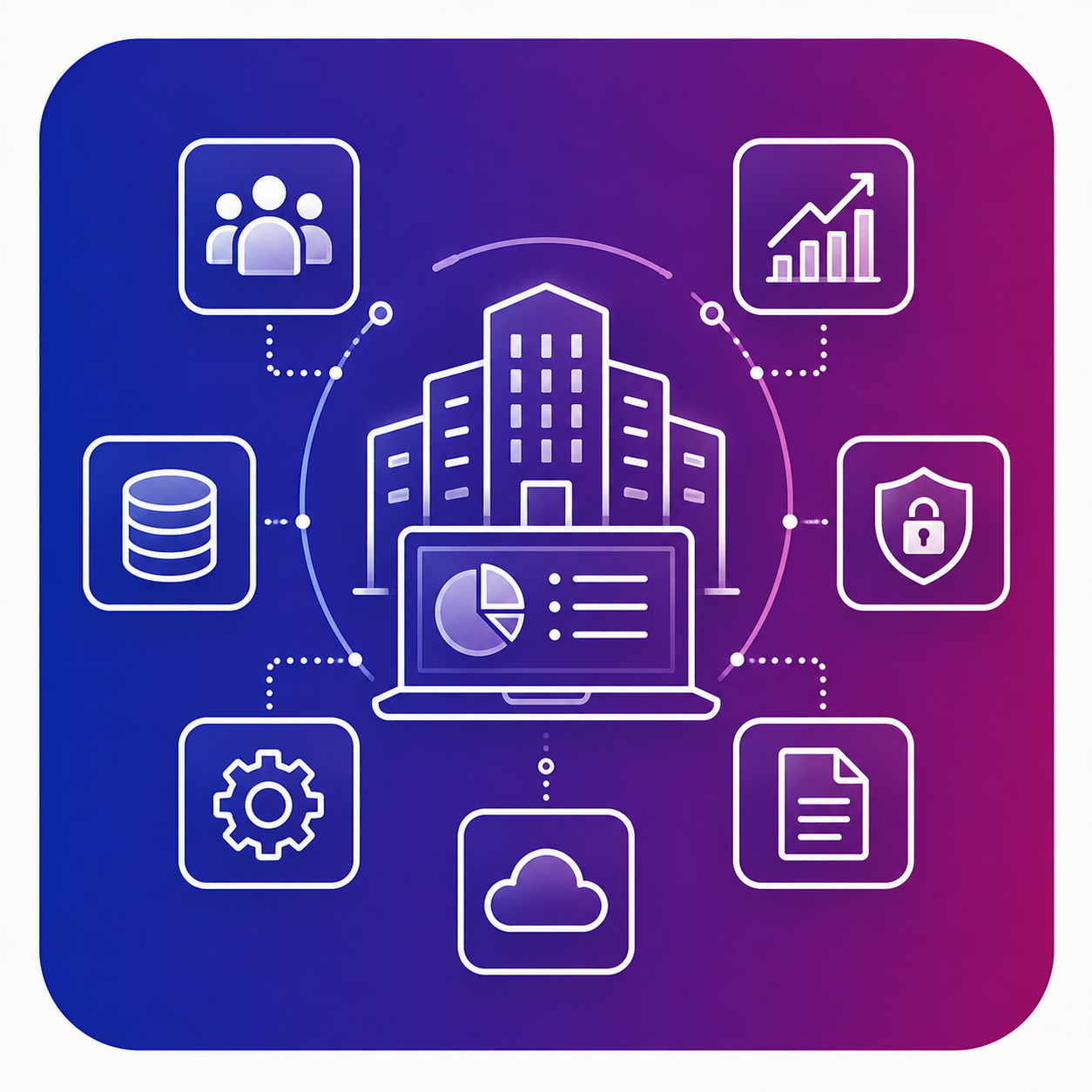
Dynamic Dashboards

Monitor processes and KPIs through dynamic dashboards and charts.
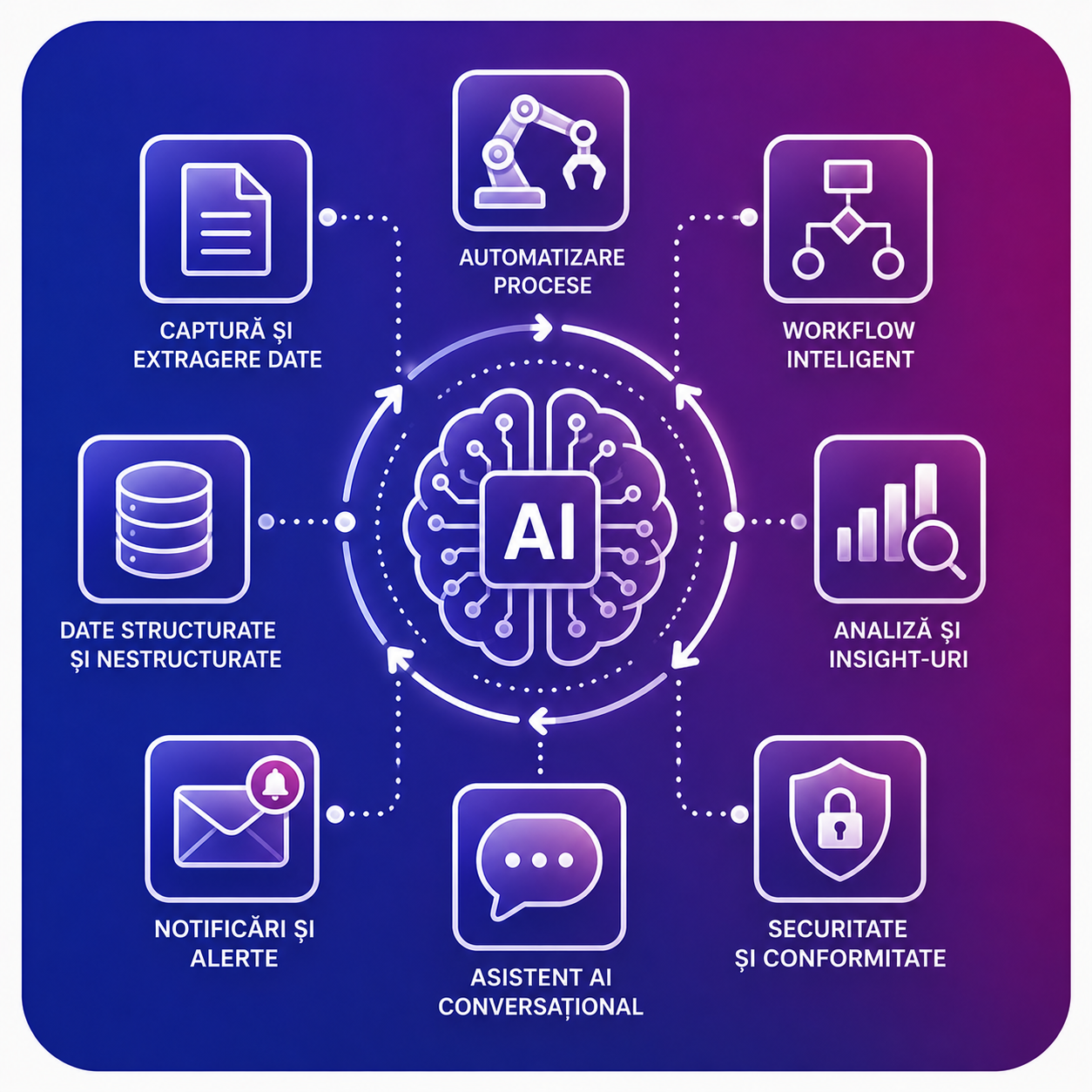
Document Processing

Process documents and extract relevant information using AI capabilities.
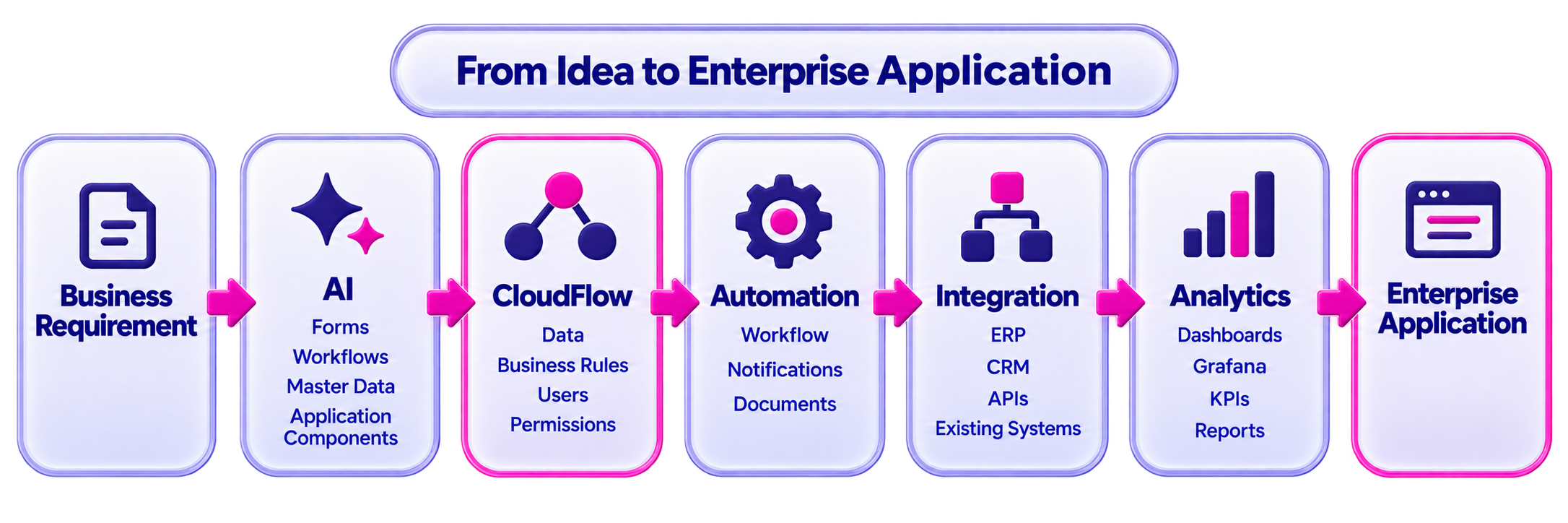
CloudFlow doesn’t just digitalize processes. The data generated throughout these processes can be transformed into clear, actionable insights through dynamic dashboards and charts.

Capabilities for Enterprise Application Development

CloudFlow combines the flexibility of Low-Code / No-Code development with AI capabilities that accelerate application development and configuration. Teams can get started faster with a business requirement and adapt the solution as processes evolve.

Use Cases

CloudFlow can be used to digitalize processes that require information collection, workflow management, automation, and integration with other systems.

Examples of Use

  • Internal applications
  • Approval processes
  • Document management
  • Administrative processes
  • Operational workflows
  • Repetitive task automation
  • Digital forms
  • System integration
  • Applications for specific business processes


Why CloudFlow?

CloudFlow does not require organizations to change their processes to fit a standard application.

The platform is designed to build solutions around the way your organization works.

AI
Accelerate the generation and configuration of application components.
Low-Code
Reduce the time and effort required to develop applications.
Enterprise Control
Configurable processes, roles, permissions, data, integrations, and business rules.

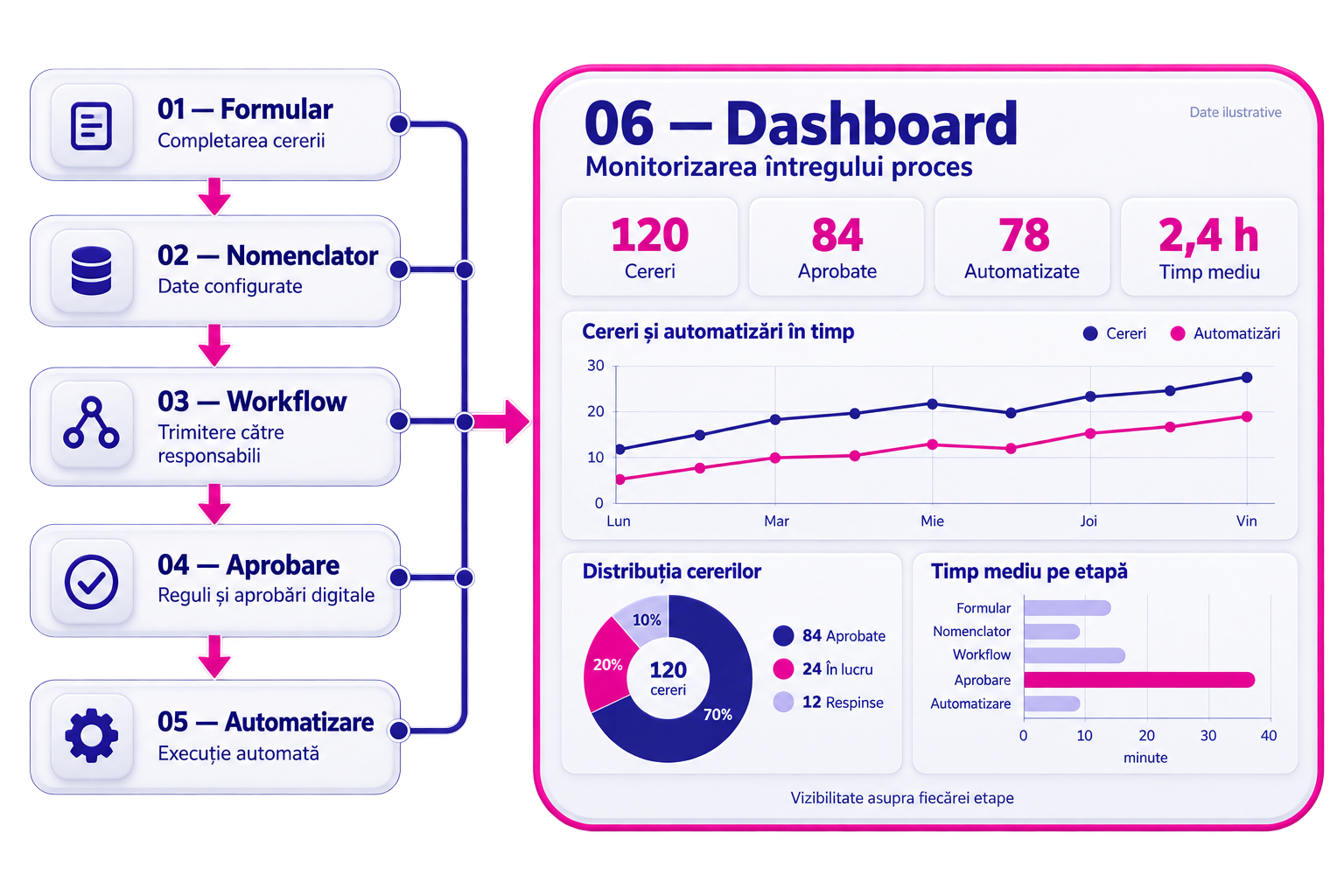
What does a process built in CloudFlow look like?

Let’s assume the organization has a request and approval process involving multiple people, documents, and systems.

With CloudFlow, the process can be transformed into a complete digital workflow. A process that previously relied on emails, documents, and manual tasks becomes a digital, trackable, and measurable workflow.

01
Forms
The user submits a request through a digital form. The data is validated and recorded.
02
Nomenclator
The application uses master data and centralized data to eliminate repetitive data entry and keep information consistent.
03
Workflow
The request is routed to the responsible people according to the process rules.
06
Approval
Each stage can have its own rules, responsibilities, conditions, and notifications.
05
Automation
The next actions can be automated.
06
Dashboard
Monitor processes and performance metrics through dynamic dashboards and charts.

Frequently Asked Questions

Discover how CloudFlow can transform your organization’s processes into digital applications and workflows, connected to existing systems and adapted to the way you work.

What is CloudFlow?

CloudFlow is an enterprise Low-Code / No-Code platform for building applications, digitalizing workflows, and automating business processes.

What types of applications can be built with CloudFlow?

CloudFlow can be used for business applications, digital forms, approval processes, workflows, document-based processes, and other applications built around your organization’s processes.

What does Low-Code / No-Code mean?

The Low-Code / No-Code approach enables applications to be built and configured using components and tools that reduce the amount of software development required.

Can CloudFlow automate processes?

Yes. Workflow Automation and Business Process Automation are key capabilities of the platform and can be used to transform manual activities into digital processes.

Does CloudFlow use artificial intelligence?

CloudFlow includes AI-Assisted Development and Document Understanding capabilities for scenarios where AI can support application development or the processing of information and documents.

Can CloudFlow integrate with existing systems?

Yes. CloudFlow can use integrations and APIs to connect applications and processes with your organization’s existing systems.

Can CloudFlow be used together with custom software development?

Yes. Depending on the project requirements, CloudSoft can use CloudFlow, traditional software development, or a combination of both.

Can I see CloudFlow before implementation?

Yes. Request a demo to explore the platform and discuss the application or process you want to digitalize.

Don’t start with technology. Start with the process.

CloudFlow helps you transform complex processes into digital, automated, integrated, and measurable applications.